
Topdon TopScan | Cheapest Bi-Directional Scan tool (smartphone-based)

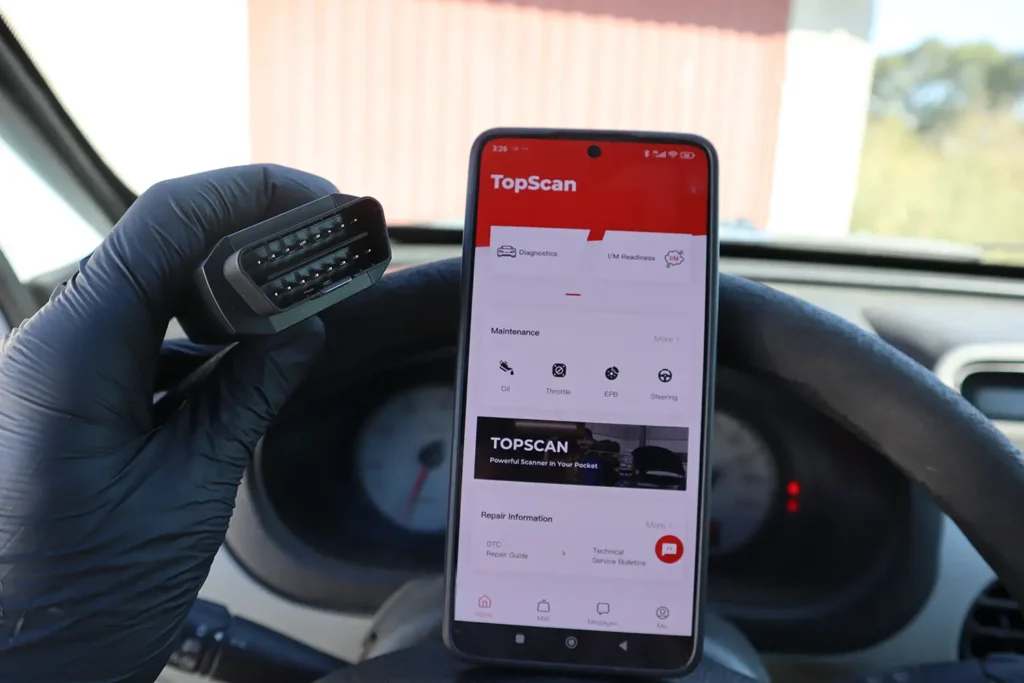
I tested Topdon TopScan (Lite + Pro software) on three real cars: Fiat Punto 2004, Renault Kangoo 2005, and Toyota Corolla 2022. Connection, setup, full scans, live data, and bi-directional tests all worked without issues. For the money, this is one of the cheapest ways to get a full-system bi-directional scanner in your toolbox.
Affiliate Disclosure: iamcarhacker.com is an Amazon and other affiliate programs Associate. As an Amazon Associate, I earn from qualifying purchases. Full Affiliate disclosure.
Sponsored Warning: I got this product for free to make a review. Despite that, I provide an honest review based on personal testing and share my truthful opinion of the product. Read more in sponsor policy.
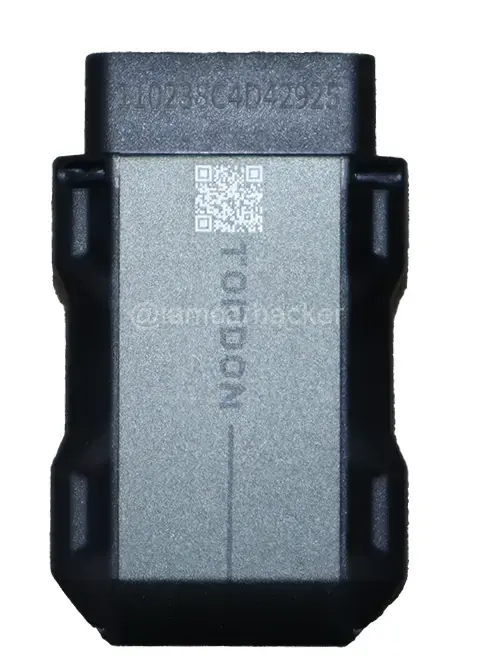
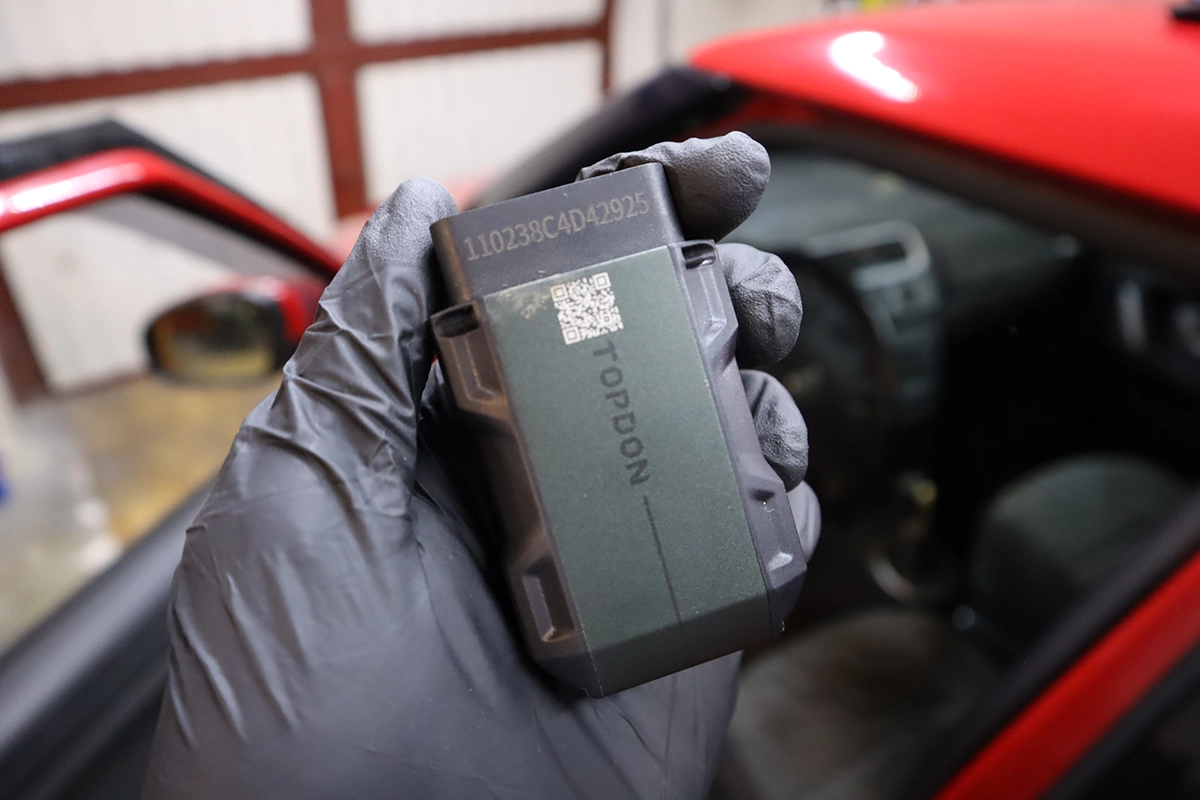
Topdon TopScan Overview
I used Topscan for the first time and not only the connection and setup was extremely easy, but I also tried it with 3 different vehicles (video below) and everything worked flawlessly.
Topscan is currently the cheapest way that I know of, how you can add a Bi-Directional scan tool to your tool set.
Even though it has some cons mentioned below, I still think it is an amazing deal considering the price.
Find the best price
Who tested product & wrote this review?

Tester & Editor for this review: Juraj Lukacko
Hello, I am Juraj (Yuri) and I tested this product to help you decide if it is something you would want to buy, and if yes, show you how to use it.
I make honest reviews based on personal testing in my own garage and If I see the product is bad, I will make it very clear in review.
Read more about how I do reviews on Iamcarhacker.com in my review policy.
Video review: Topscan lite
TopScan Lite vs Pro – Which One To Choose?
From my testing and from the app menus, TopScan Lite is the better value for most people.
Both Lite and Pro have:
- full-system scan
- diagnostic reports
- full live data
- bi-directional tests
- global OBD modes
The differences:
- Lite has 8 service procedures
- Pro has 13 service procedures
- Pro adds immobilizer functions
TopScan Lite already includes the most useful service functions:
- oil reset
- battery registration
- throttle adaptation
- DPF regeneration
- EPB / brake unlock
- steering angle reset
- airbag reset
- ABS bleeding
TopScan Pro adds 5 extra:
- injector coding
- TPMS reset
- sunroof initialization
- seat calibration
- window calibration
For most DIY mechanics, Lite is enough.
Lite vs Pro table
| Feature | TopScan Lite | TopScan Pro |
|---|---|---|
| Price (device + 1st year) | ~ $60 | ~ $130 |
| Update cost from 2nd year | ~ $59/year | ~ $99/year |
| Full scan + report | Yes | Yes |
| Full live data | Yes | Yes |
| Bi-directional | Yes | Yes |
| Global OBD | Yes | Yes |
| Immobilizer | No | Yes |
| Service procedures | 8 | 13 |
If you really need immobilizer or the extra service functions, go Pro.
Otherwise, I recommend TopScan Lite.
Real Testing on Real Cars
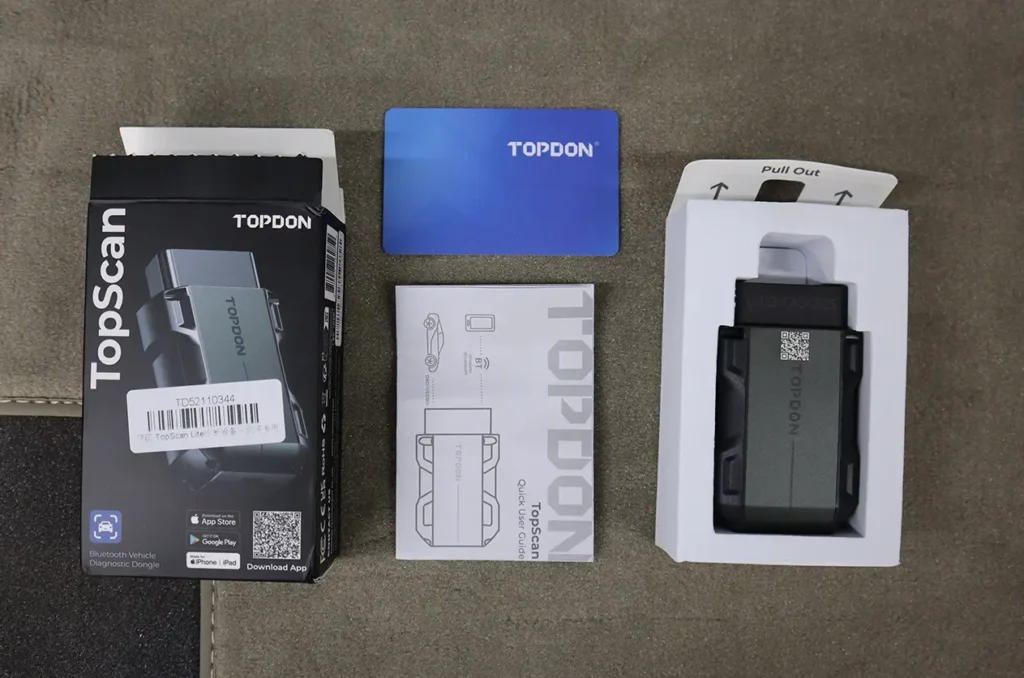
I used TopScan on:
- Fiat Punto 2004
- Renault Kangoo 2005
- Toyota Corolla 2022
- Plus older Škoda Fabia in a later test
Fiat Punto 2004
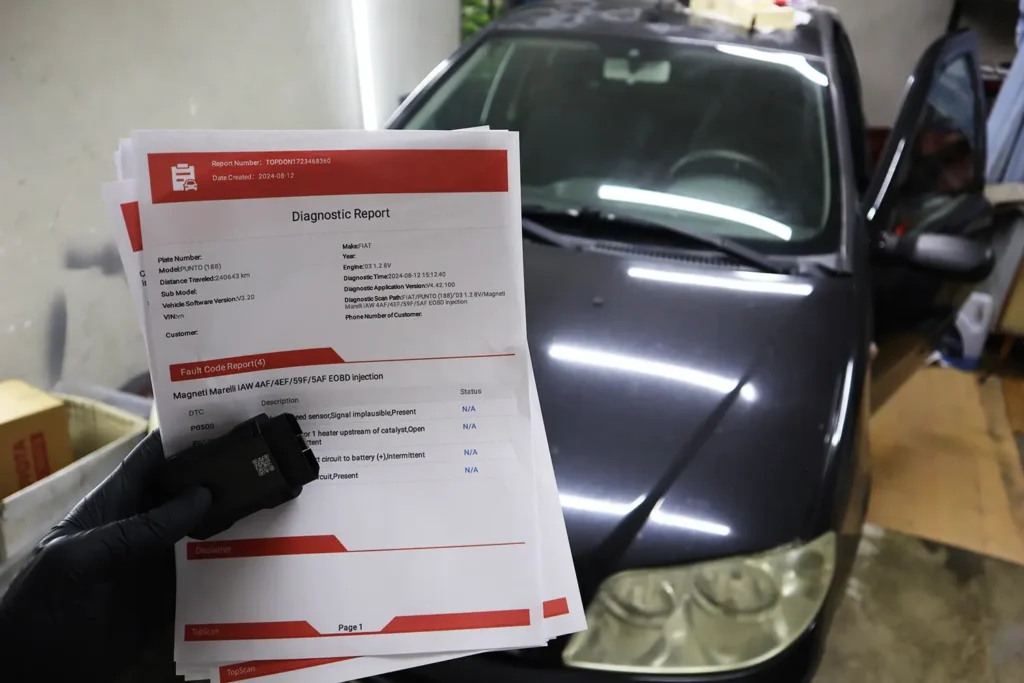
This car is usually difficult for scanners. Some tools can only read engine codes here.
With TopScan:
- automatic scan found 4 modules: engine, body computer, power steering, instrument panel
- all modules responded
- engine codes: P0500, P135, P0340, P0204 (vehicle speed, injector, camshaft, oxygen sensor)
- showed which codes are present and which are intermittent
- created a full diagnostic report with mileage
- report could be saved, shared, or printed
Live data:
- engine live data list was long
- graphs worked well
- data could be combined in one graph or separated
- bi-directional tests worked where supported
This is exactly the situation where a full-system tool is better than a basic code reader.
Renault Kangoo 2005
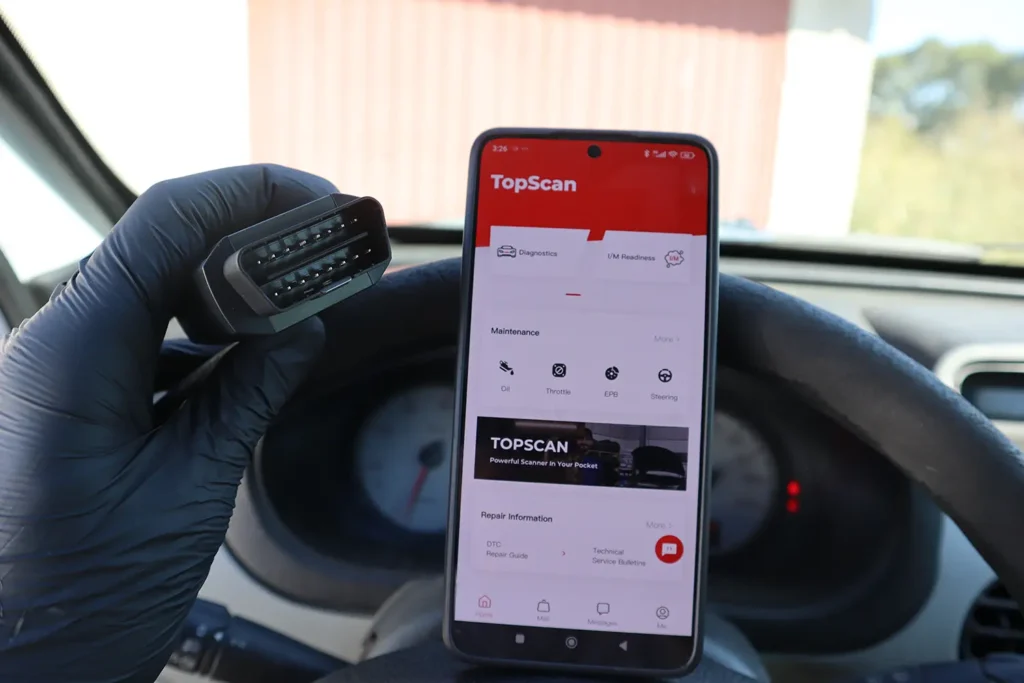
The Kangoo had a drivability issue: engine didn’t want to rev over 2–3k RPM, but no check engine light.
TopScan:
- read VIN automatically
- did full scan
- found current airbag fault
- engine had only history codes
- no simple answer for the power issue (car itself was not reporting a fault)
Live data:
- many engine parameters available
- graphs could be combined
- could record live data and print a live data report as well
Even when it could not magically tell the exact fault, it gave me all the data I needed to diagnose further.
Toyota Corolla 2022
On this newer car, TopScan:
- read VIN automatically
- did a fast full-system scan
- found zero faults (which matches reality)
- allowed access to each module individually
- supported active tests in many control units
Bi-directional tests used:
- power windows from individual door module
- door locks from body module
- mirrors fold/unfold
- front washer
- engine fan and EVAP valve on other cars
This is where you see that TopScan is a real bi-directional scanner, just in Bluetooth form.
App and User Experience
The TopScan / TopGuru app is very simple to use:
- connect adapter
- turn ignition ON
- app finds the adapter
- select brand and car
- run full scan or pick module
I did not have connection issues.
Menus are where you expect them.
Reports are easy to generate and share.
The app also includes:
- I/M readiness check (emission pre-test)
- TSBs (technical service bulletins)
- DTC repair guide: code description, common fixes, and basic repair steps
For beginners this is very helpful.
For mechanics, the PDF reports look professional when printed or emailed.
Bi-Directional Tests
TopScan can perform active / component tests on many modules.
This depends on the car, but in my testing I could:
- operate engine cooling fan
- operate EVAP valve
- unlock/lock doors
- move windows up/down
- fold/unfold mirrors
- run A/C tests
- run other electrical component checks
Each module has its own list of tests.
On newer cars, the list is long.
Bi-directional tests are strong enough that I recommend TopScan even for small workshops that can’t afford a $1000+ tablet yet.
Service Procedures
TopScan Lite has 8 service functions.
TopScan Pro has 13.
Examples shown in the app:
- oil reset
- battery adaptation / registration
- throttle body adaptation
- DPF regeneration
- ABS bleeding
- EPB / brake caliper unlock
- steering angle reset
- airbag reset
Pro adds:
- injector coding
- TPMS reset
- sunroof initialization
- seat and window calibration
This is enough for most DIY work and many basic shop jobs.
Subscription And What Happens After First Year
First year is free (included in adapter price).
From second year:
- Lite license is around $59/year
- Pro license is around $99/year
If you do not renew, TopScan does not become useless:
Without subscription you still get:
- basic engine OBD functions
- emission test (readiness)
- engine live data
- access to Topdon’s library (DTC repair info, DLC locations, performance tests etc.)
So even if you stop paying, it still works as a good engine scan tool, at about the same cost as a mid-range code reader.
Comparison With Other Tools
Topdon TopScan vs Topdon CarPal
Both are Topdon smartphone scanners with:
- full-system scans
- diagnostic reports
- service functions
But there are important differences.
TopScan Lite vs CarPal:
- TopScan is bi-directional, CarPal is not
- TopScan can read live data in all modules, CarPal only in engine
- TopScan lets you download software for many brands at once
- CarPal limits you to three brands at a time and downloading brand software is slow
For used car inspections, TopScan is better because:
- it reads live data and mileage records from many modules
- it allows adding your own photos into the report
CarPal is okay, but for a small price difference per year, TopScan Lite gives much more functionality.
Topdon TopScan vs Xtool A30M
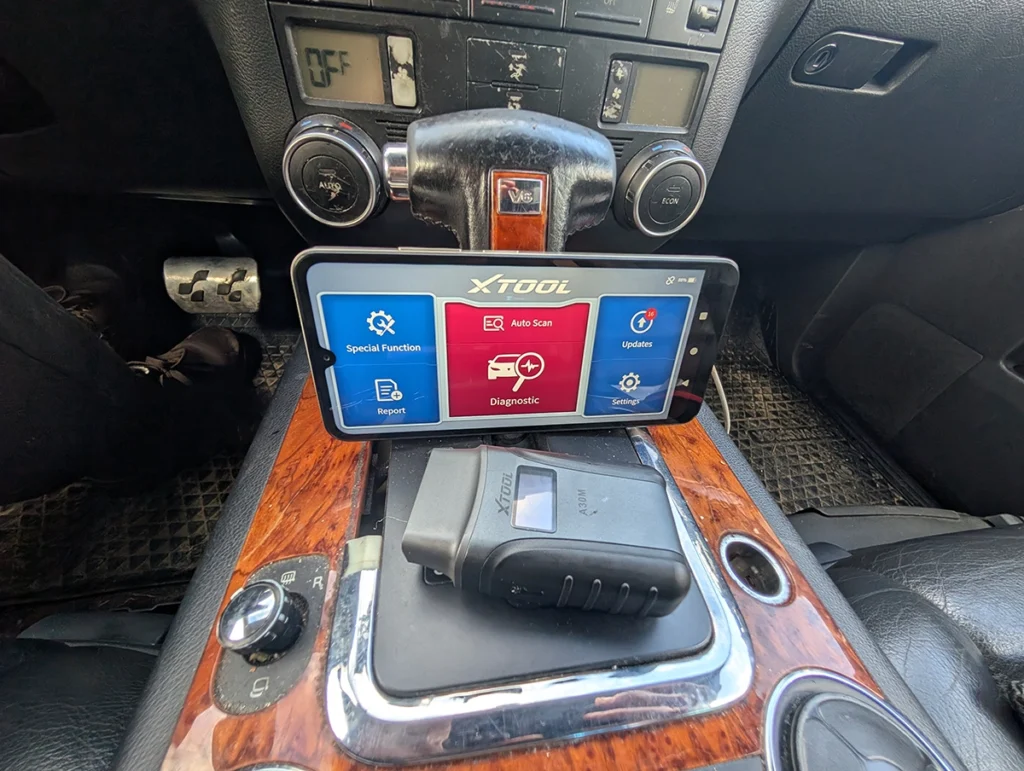
Both TopScan and Xtool A30M are smartphone-based full-system bi-directional scanners with service functions.
From my perspective:
- TopScan Lite is usually cheaper to start with
- A30M is a solid alternative in the same category – and have free lifetime updates
- Both can scan all modules, read data, and run active tests
If you are already in the Topdon ecosystem or want the cheapest bi-directional start, TopScan Lite makes more sense.
If you prefer Xtool apps and layout, A30M is worth checking.
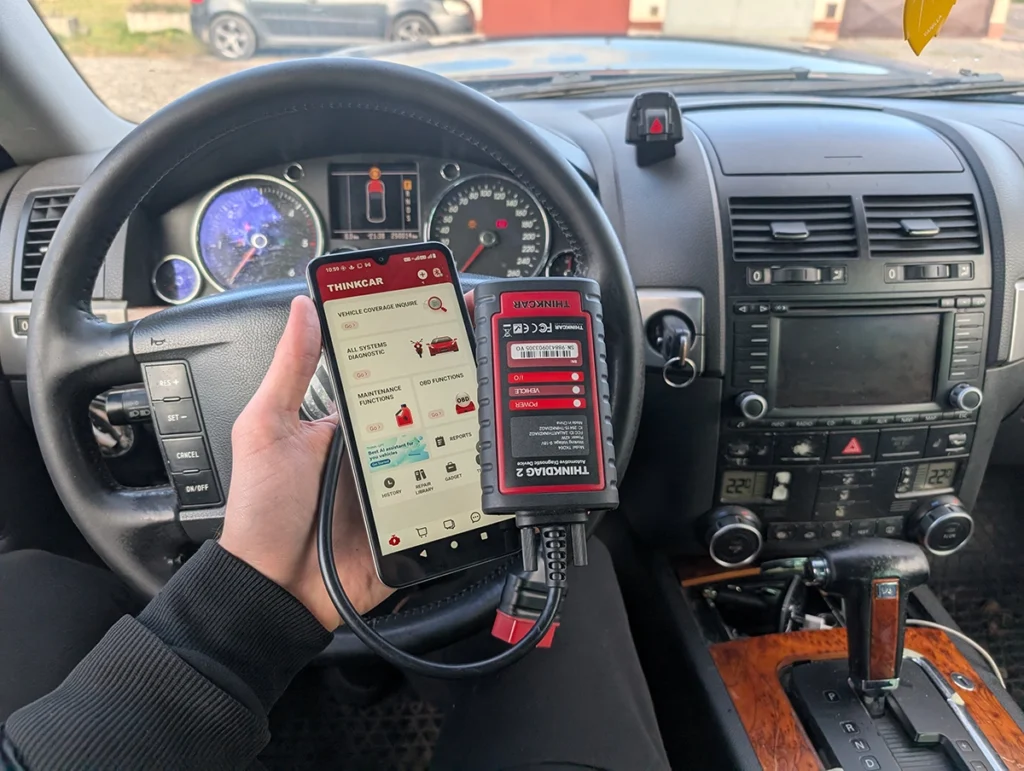
Topdon TopScan vs ThinkDiag2
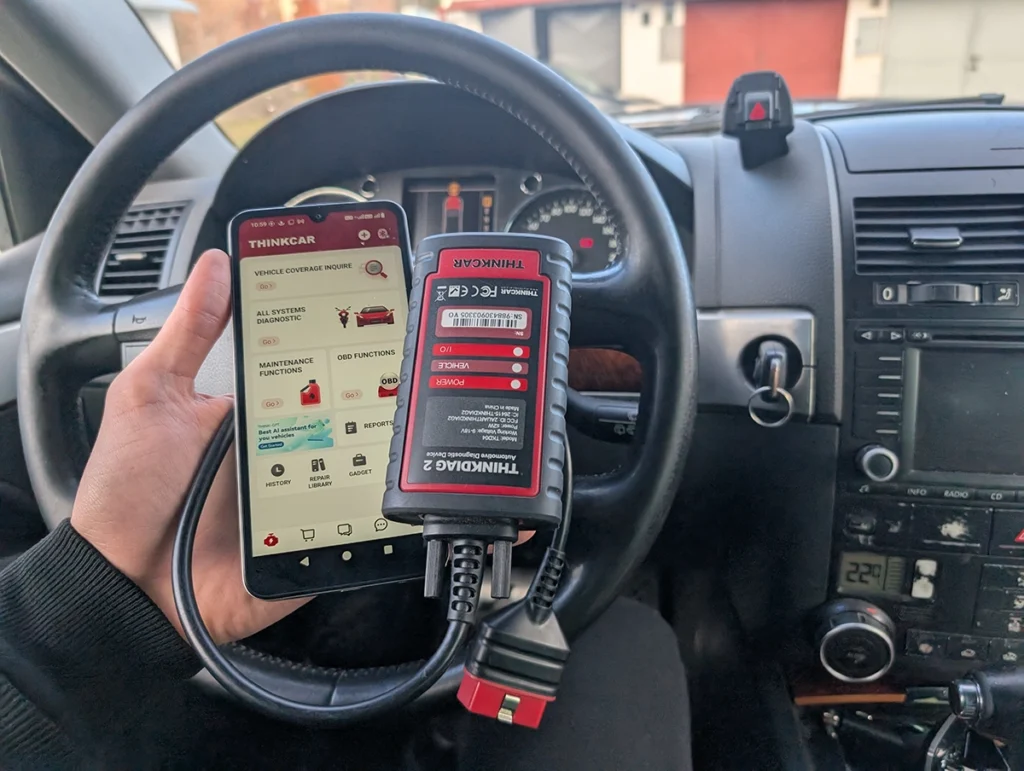
ThinkDiag2 is another strong Bluetooth bi-directional tool.
Both:
- do full-system scan
- have service functions
- run bi-directional tests
In my experience:
- TopScan Lite is usually simpler to use for beginners
- ThinkDiag2 has its own app structure and license model
If you want the cheapest way into bi-directional, TopScan Lite is hard to beat.
If you want a different app style or already use Thinkcar tablets, ThinkDiag2 fits better.
Final Verdict
Topdon TopScan is one of the cheapest real bi-directional scan tools you can buy and still feel like you are using a professional device.
It:
- scans all modules
- reads full live data
- runs bi-directional tests
- supports multiple service procedures
- prints and shares clean diagnostic reports
The only real downside is the yearly subscription.
But the price is low compared to tablet tools, and even without renewal it remains a very capable engine scanner with a repair library.
For most people, I recommend TopScan Lite.
If you need immobilizer and extra service functions, go TopScan Pro.
If you want other Bluetooth bi-di options, also check my reviews of Topdon CarPal, Xtool A30M, and ThinkDiag2.
Popular OBD2 guides
See all guides
Best OBD2 scanners in 2025
I constantly test new OBD-II scanners to give you the best options possible. Here is a full list of the best tools in all categories currently.

Responses