
5 Best OBD-II scanners for Mazda

From my experience testing Mazda vehicles, I’ve found that most cheap scanners only read engine faults and miss important systems like ABS, airbags, and transmission. If you want proper diagnostics, you need a tool that can access every module, perform active tests, and support coding or adaptations. The best Mazda scanners give you near dealer-level access similar to the official IDS or Forscan systems.
Affiliate Disclosure: iamcarhacker.com is an Amazon and other affiliate programs Associate. As an Amazon Associate, I earn from qualifying purchases. Full Affiliate disclosure.
Quick recommendations – OBD2 for Mazda
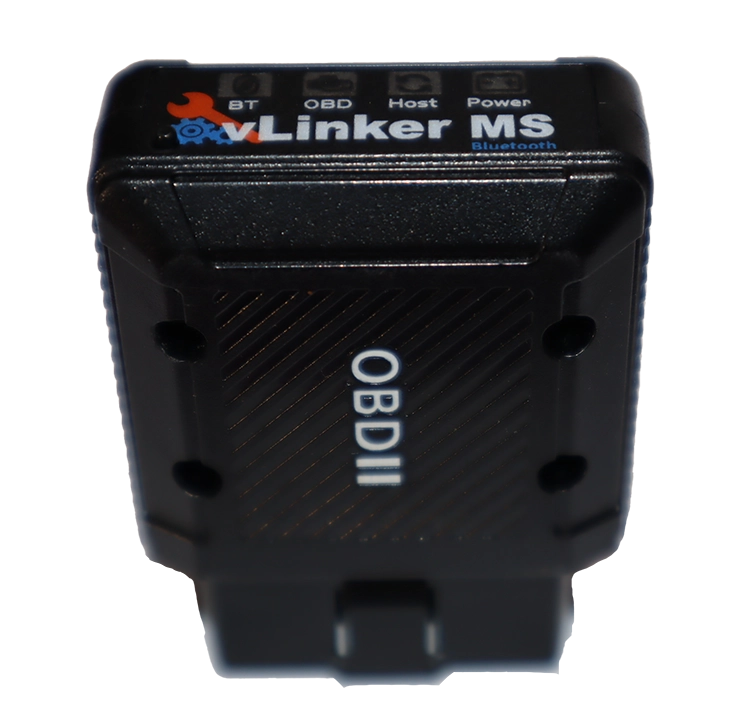
Forscan + ELM327 / USB cable
The Forscan software paired with an ELM327 or USB cable adapter is the best low-cost option for Mazda and Ford owners. It gives you module-level diagnostics, live data, service resets, and even coding and adaptations. Works on Windows laptops, Android, or iOS, depending on your adapter. Perfect for advanced DIY users who want dealer-level access without spending much.

Mucar 892BT
The Mucar 892BT is a full-system bi-directional scan tool with the fastest scan speed I’ve tested so far. It supports ECU coding, service resets, and includes free lifetime updates. Works great on Mazda and most other car brands.
(10% OFF with “CARHACKER” on official website)
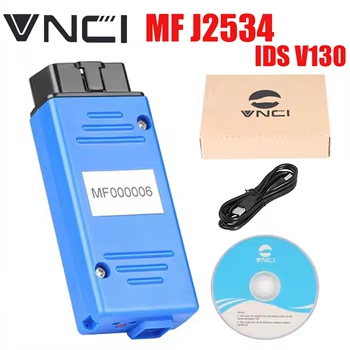
Mazda IDS / Ford IDS (Dealer Software)
The Mazda IDS (Integrated Diagnostic System) is the official dealer software used for both Mazda and Ford vehicles. It provides full-system access, module programming, and OEM-level coding. Requires a VCM2 or J2534 adapter and a Windows laptop. Perfect for workshops or enthusiasts who want full manufacturer coverage.

Mucar 682
Mucar 682 is the most affordable bi-directional scanner that still offers full-system diagnostics and 20+ service functions. It performs well on Mazda and includes free lifetime updates, making it one of the best entry-level choices.
(10% OFF with “CARHACKER” on official website)

Launch Creader Elite Mazda
The Launch Creader Elite Mazda is a one-brand handheld scanner designed for Mazda vehicles. It supports full-system diagnostics, bi-directional control, and basic coding. Easy to use, quick to navigate, and includes free lifetime updates. Ideal for home mechanics and quick checks.
My insights after testing 100+ OBD2 tools

I’ve tested literally hundreds of OBD2 scanners, so let me tell you why I find these the best value for money.
? Best OBD2 Scanners for Mazda (2025)
| Scanner | Best For | Mazda Coding | Bi-Directional Tests | Works on All Brands | Updates | Platform / Type | Price Range |
|---|---|---|---|---|---|---|---|
| Forscan + ELM327 / USB Cable | Best low-cost coding solution | ✅ Advanced coding & adaptations | ✅ | ⚠️ Mazda & Ford only | ✅ Free community updates | Windows / Android / iOS | ? |
| Mucar 892BT | Fastest all-round tool with coding | ✅ ECU coding | ✅ | ✅ | ✅ Lifetime | Android tablet / Bluetooth | ??? |
| Mazda IDS / Ford IDS | OEM-level access & programming | ✅ Full OEM coding/programming | ✅ | ⚠️ Mazda & Ford only | ⚠️ OEM subscription / varies | Windows laptop / USB | ??? |
| Mucar 682 | Most affordable bi-directional | ⚠️ Basic or none | ✅ | ✅ | ✅ Lifetime | Handheld / Bluetooth | ?? |
| Launch Creader Elite Mazda | Simple handheld use | ✅ Basic coding | ✅ | ❌ Mazda only | ✅ Lifetime | Handheld / wired | ?? |
✅ Legend:
? = Budget ?? = Mid-range ??? = Professional
✅ = Fully supported ⚠️ = Partially supported or varies ❌ = Not supported
OBD2 system in Mazda – What to look for?
You can scan for problems yourself, skip dealership fees, and even unlock cool features or tweak settings. Every Mazda from 2001+ (gas) or 2004+ (diesel) works with OBD2, so these tools are a no-brainer.
Dongles vs Handhelds – What Mazda Owners Actually Use

Most Mazda owners today lean toward mobile apps paired with Bluetooth adapters. It’s cheaper, portable, and easier to use with your phone. Instead of carrying around a bulky handheld, you just plug in a dongle and open the app.
That’s why something like the VGate vLinker MS is a go-to for Mazda. It’s cheap, works perfectly with FORScan (no flick switches needed), and gives you access to stuff regular scanners can’t even touch—like DRL settings, auto door locks, or i-Stop disable.
Want to go all-in? The Thinkscan 689BT gives you pro-level functions: live data, 34 resets, coding, and more. Works with its own app and doesn’t require a laptop.
Best OBD2 software for Mazda
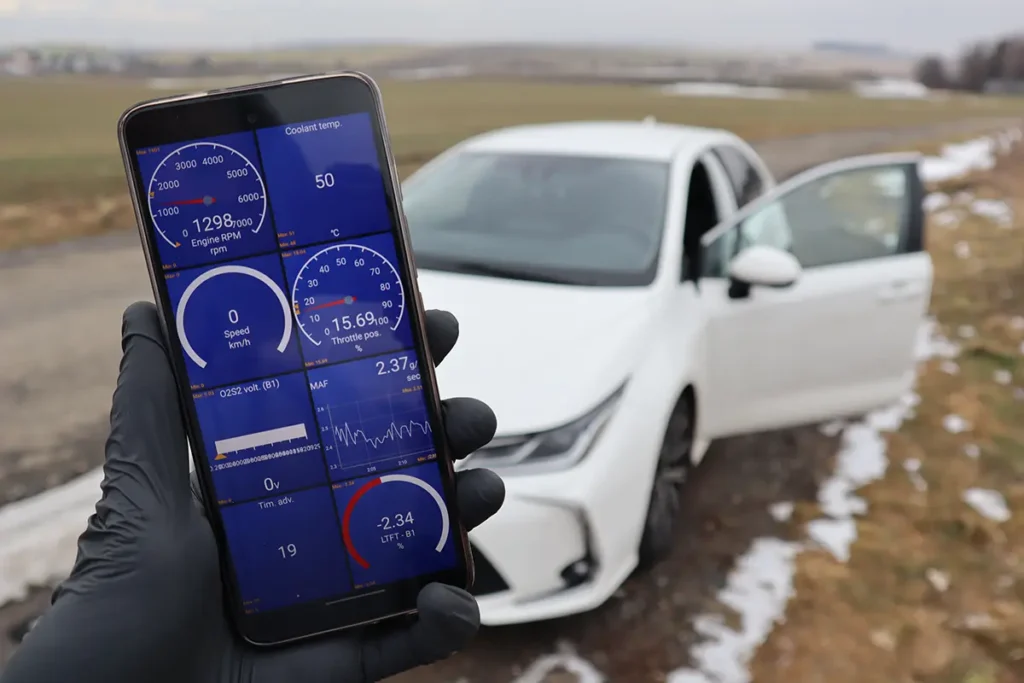
For software, FORScan is still king if you’re doing custom mods or need deep system access. Car Scanner ELM OBD2 is a solid pick too if you’re looking for a clean, easy-to-use app for live data, code reading, and real-time stats.
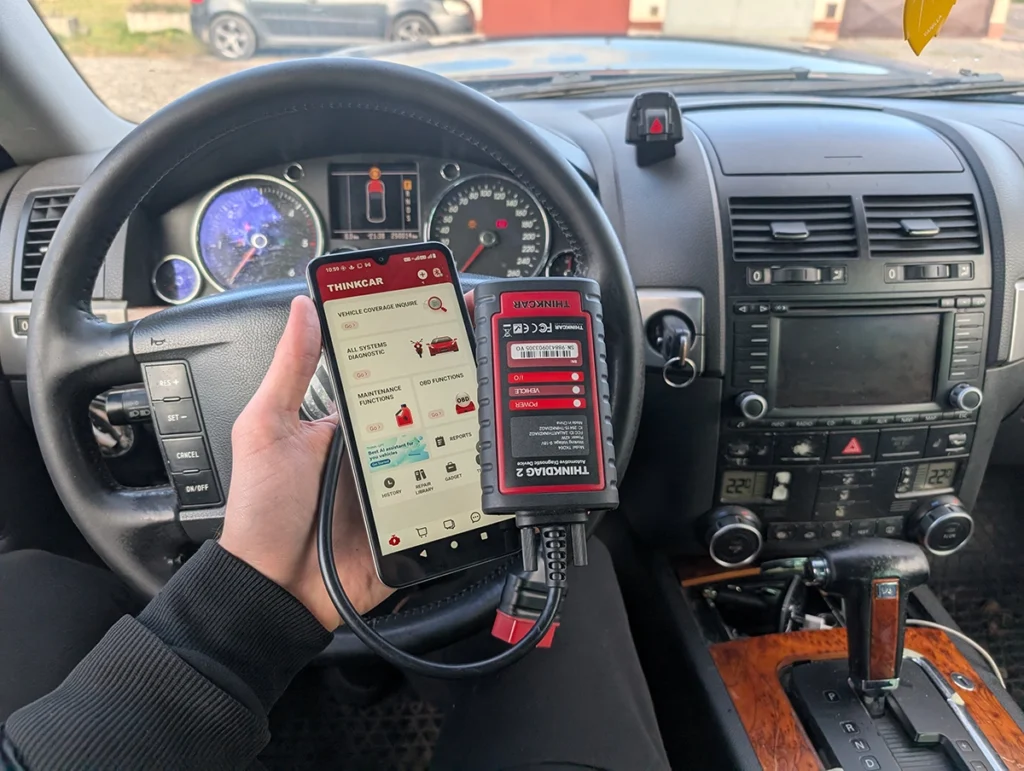
If you’re not messing with FORScan and just want to read everything from ABS to airbags, I’d grab a Thinkcar BD6 or Mucar V07. They connect over Bluetooth or come as standalone touchscreen tools and both scan every module, reset codes, and handle basic service resets too.
What to look for in Mazda OBD2 scanner?
- Read/clear engine fault codes and engine data (All OBD2 scanners)
- Read/clear faults, read data from all systems (All from quick recommendations)
- Service features and resets (all, more expensive support more of them)
- Unlock new features (all except thinkcar BD6)
- Bi-Directional testing (Forscan, Thinkscan 689, Mucar V07, Launch creader)
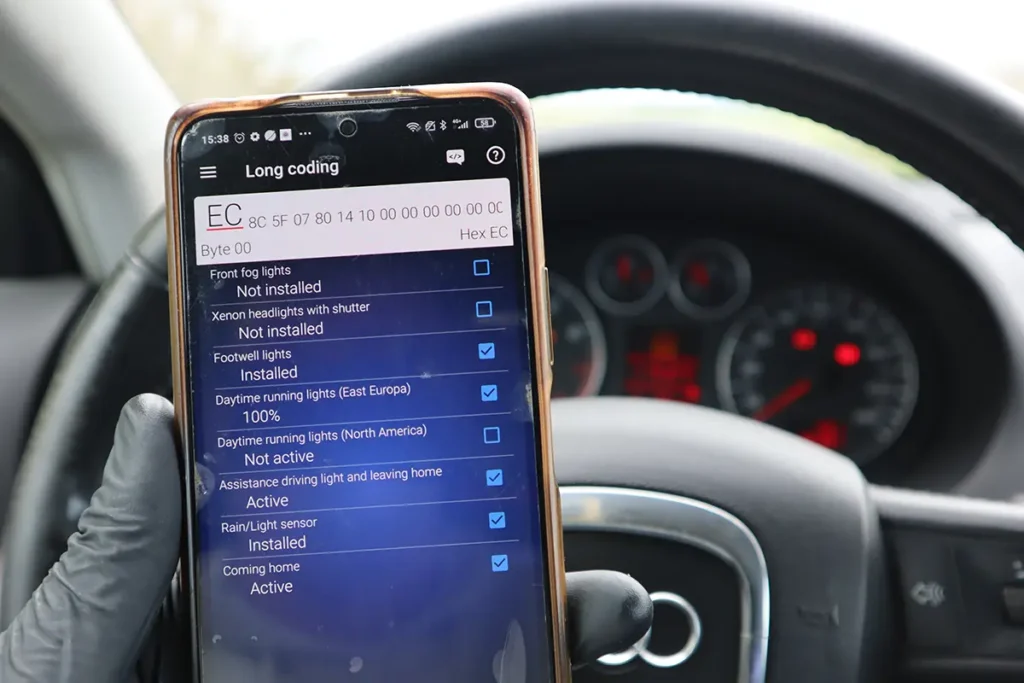
Coding Capabilities and Common Mazda Customizations
Unlocking hidden features can be done not only with Forscan but with Mucar VO7, Thinkscan 689BT and Launch creader as well.
| Customization Category | Specific Feature/Change | FORScan Module/Address (if available) |
| Lighting | Daytime Running Light (DRL) Behavior (e.g., rings only) | BCM (e.g., 726-12-01) |
| Convenience | Automatic Door Locking | RBCM – 7B7-01-02 B4 |
| Convenience | Start/Stop (i-stop) Deactivation | SSU – 731-01-01 B1 |
| Performance/Accuracy | Speedometer Correction (Tire Size) | IC – 720-04-11 B0 (A/C Eco Mode example) |
| Convenience | Locking Sequences | (General) |
| Alerts/Chimes | Seatbelt Chime Disable | (General) |
| Alerts/Chimes | Door Chime Disable | (General) |
| Infotainment | Navigation While in Motion | (General) |
| Convenience | “Find My Car” Horn Function | 7B70102E50C43001005 (value 1 enabled) |
| Convenience | Blinker Blinks (Convenience Functions) | (General) |
| Maintenance | ABS Bleeding (Newer ABS Modules) | (General) |
| ECU/Key Programming | Reprogram ECUs/Keys | (Advanced, Windows version) |
Popular OBD2 guides
See all guides
Best OBD2 scanners in 2025
I constantly test new OBD-II scanners to give you the best options possible. Here is a full list of the best tools in all categories currently.


Responses